Canva Review 2026: What Nobody Tells You About the Business Plan Price Jump

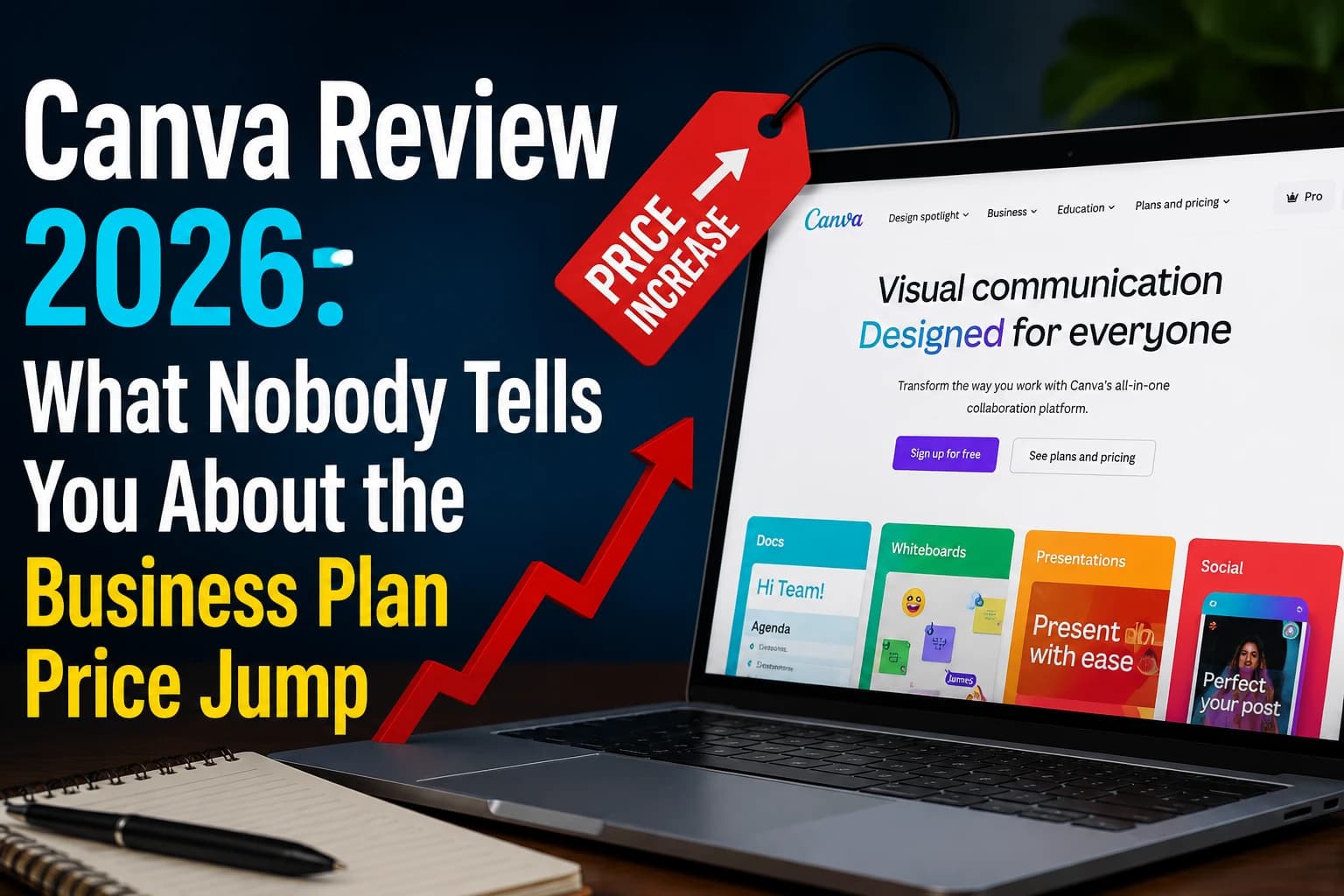
The email that made me actually sit down and re-test Canva wasn't a marketing email — it was a renewal notice for a client's team plan that had jumped noticeably from the year before. That kind of quiet repricing is easy to miss until you're the one budgeting for five seats. So I spent a week back inside Canva Pro and Canva Business, rebuilding a real client deliverable (a 12-slide brand deck) instead of just clicking through the dashboard.
How I Actually Tested This
I didn't start from a Canva template. I started from the client's existing brand guidelines PDF and rebuilt the deck from a blank canvas across both Pro and Business tiers, timing myself on the same five tasks each time: setting up the Brand Kit, resizing for three platforms, exporting print-ready PDFs, running a stakeholder approval, and generating two AI images to fill placeholder slots. That gave a much more realistic view than clicking through Canva's own demo gallery.
A Specific Moment That Surprised Me
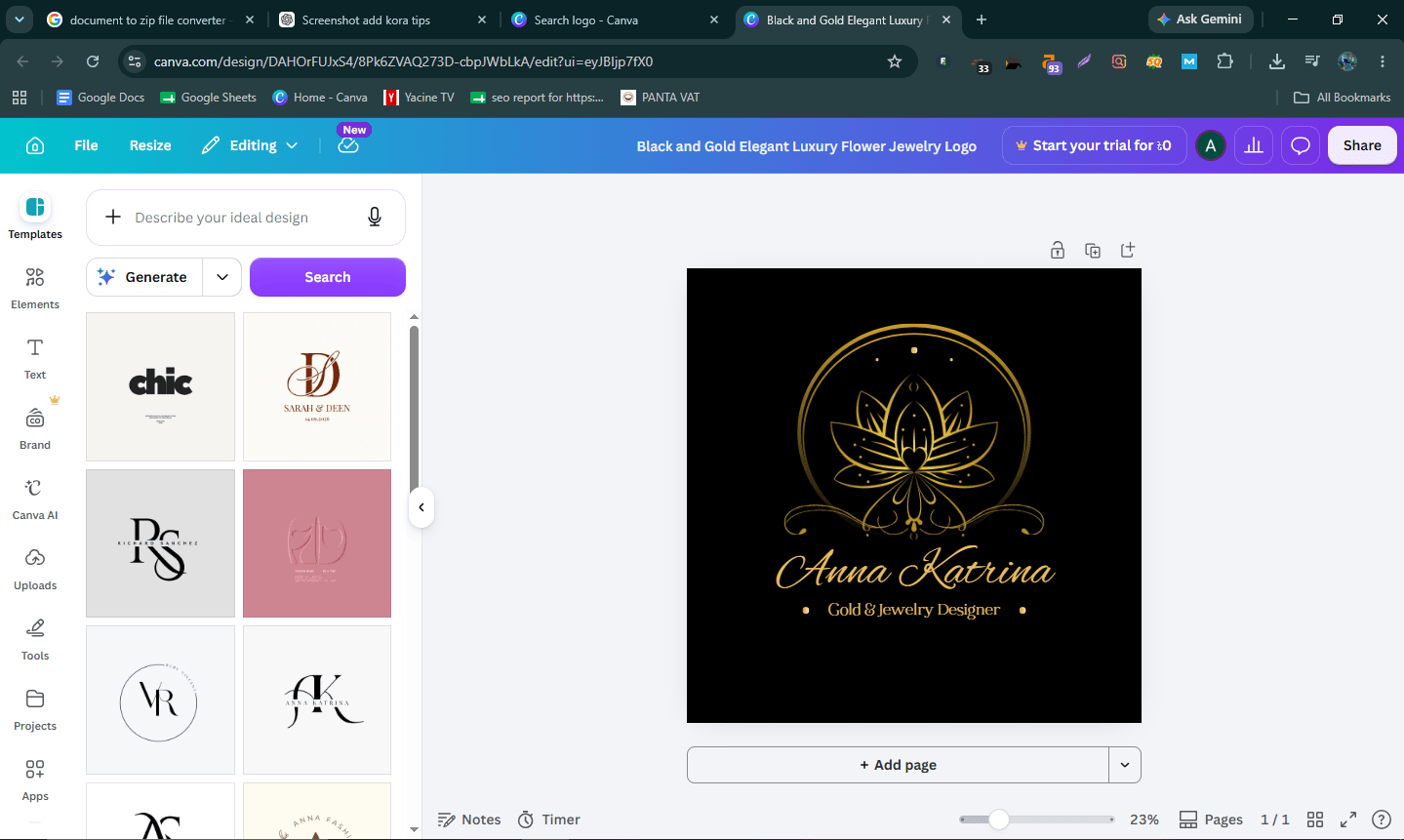
Rebuilding the deck, I leaned on Magic Resize to turn a presentation slide into three different social formats. It worked well for two of the three, but the resized Instagram Story version overlapped a text box onto a logo — something I only caught because I was actually looking closely, not something Canva flagged for me. Automated resizing saves time, but it is not a substitute for a manual check before you send anything to a client.
What Disappointed Me
The AI Pass add-on pricing caught me off guard: $100 per person per month on top of an existing Pro or Business subscription just to unlock significantly more AI generations. For a solo creator that's a steep jump from a $15/month plan, and it's easy to miss unless you actually try to use Magic Media heavily and hit the soft cap. I also found the approval workflow on Business slower than expected — a stakeholder's comment on slide 4 didn't trigger a notification for the assigned reviewer until I manually refreshed the shared link.
What Actually Held Up
Canva's Brand Kit is still the single best reason to pay for Pro if you work with a client's specific colors and fonts regularly. Locking a client's exact hex codes and fonts into a kit removed a genuinely annoying, repetitive step from the deck rebuild — by the third slide, dragging pre-approved colors onto shapes was noticeably faster than manually re-entering hex codes each time, which is exactly the kind of small friction that adds up across a 12-slide deck.
A Hidden Fact Most Reviews Miss
Canva's old flat-rate "Teams" plan is no longer available to new signups — it's been replaced by "Business," which bills per seat and only charges for members who actually accept their invite. That sounds minor, but it changes the math for agencies that used to add "placeholder" seats cheaply under the old flat-rate model; under Business pricing, every accepted seat is now a real per-user cost.
External Validation
Canva carries a 4.7 out of 5 rating on G2 from a very large review base, with the most common praise centering on ease of use for non-designers — consistent with what we found rebuilding a deck without any formal design training. The most common complaints on the same platform echo our AI Pass observation: users flagging that AI feature costs aren't obvious until they're already invested in the workflow.
Canva Pricing in 2026 (Verified)
| Plan | Price | Best for |
|---|---|---|
| Free | $0 | Occasional design, 250K+ templates, 5GB storage |
| Pro | ~$12–15/mo (1 user) | Freelancers needing Brand Kit + premium assets |
| Business | ~$20/user/mo | Teams needing approval workflows, brand controls |
| Enterprise | Custom | Large orgs, SSO, SCIM, dedicated support |
Note: Canva uses regional pricing, so your exact number may differ by country. AI Pass is a separate $100/person/month add-on on top of Pro or Business.
Canva vs. the Alternatives
| Tool | Entry paid price | Strongest at |
|---|---|---|
| Canva | ~$12/mo | Largest template library, easiest for non-designers |
| Adobe Express | ~$5–8/mo | Cheaper per-seat, Adobe ecosystem fit |
| Figma | $0–15/editor/mo | Precision UI/UX and product design work |
The honest way to choose between these three is by output type, not price: Canva wins for volume social and marketing content where speed matters more than pixel precision, Adobe Express wins if you're already paying for Creative Cloud and just want a faster, lighter tool inside that ecosystem, and Figma wins the moment your output needs to hand off to a developer as an actual interface, not a flattened image.
Tools I Tried But Rejected
For this specific deck I also tried building it directly in Google Slides for speed, and briefly in Figma for more design control. Google Slides was faster but looked visibly template-y next to Canva's design library. Figma gave more precision but took roughly three times longer for someone who isn't a trained designer. Canva won on speed-to-decent-output, not on ceiling.
What I'd Tell a Friend Before They Buy
If a friend asked me today whether to start on Canva Pro or jump straight to Business, I'd ask one question first: do you personally need to approve other people's design work, or are you the only one making final calls? If you're the only decision-maker, Pro plus a shared brand kit link covers 90% of what Business offers at a third of the price. The approval workflow, locked brand templates, and content planner in Business genuinely earn their keep only once a design decision needs to pass through someone other than you before it ships.
Who Should Skip Canva
If you need pixel-precise, desktop-grade design control — packaging mockups, print-ready CMYK work with tight bleed requirements, or complex vector illustration — Canva's browser-based editor will frustrate you. That work still belongs in Illustrator, Affinity, or Figma.
My Honestly Contrarian Take
Most reviews frame Canva Business as the "obvious upgrade" once a team hits 3 people. After actually pricing it out for a client, I'd argue most teams under 5 people are better off staying on individual Pro accounts and sharing brand assets manually through a shared drive — the approval-workflow features in Business rarely get used by teams that small, and you're paying a real per-seat premium for governance tools that only pay off once you have someone whose job is enforcing brand consistency.
Setup Time and Real Workflow Friction
Building the 12-slide deck from the client's brand PDF, start to finish, took about 90 minutes on Pro once the Brand Kit was configured — that setup itself took roughly 25 minutes the first time, mostly spent finding and uploading the right font files. On Business, the same deck took closer to two hours because of the extra approval-workflow step, even though the design work itself was identical. That's worth knowing if you're estimating billable hours for client design work: the collaboration features that make Business worth it for teams also add real time to a solo-style workflow.
Where to Read More on TechVaultAI
If design tooling costs are part of a bigger software-spend audit, our ROI Calculator can help model whether a Business upgrade actually pays for itself given your team's usage. We've also broken down a similarly steep add-on cost in our Figma review, which is a useful side-by-side read if your team splits work between marketing graphics and product design.
Frequently Asked Questions
Is Canva free plan good enough for a small business?
For occasional social posts, yes. For consistent brand work, Pro's Brand Kit quickly becomes worth the cost.
What is Canva's AI Pass and do I need it?
It's a $100/person/month add-on for heavy AI generation use. Most users on Pro or Business never hit the default AI limits closely enough to need it.
Is Canva Business worth it over Pro for a 2-person team?
Often yes on pure per-seat math, since Business/Teams pricing can undercut two separate Pro subscriptions — but only if you actually need the collaboration features.
Can I cancel Canva Pro mid-cycle and get a refund?
Canva generally offers refunds within a limited window after billing, but policies can vary by region — check your account's billing terms before assuming a full refund applies.
Does Canva work well for print design? For simple print jobs like flyers and business cards, yes. For CMYK-accurate, bleed-sensitive commercial print work, a dedicated design tool is safer.
Can multiple people edit a Canva design at the same time?
Yes, real-time collaboration works on Free, Pro, and Business, though version history and rollback are more limited on Free.
Is Canva's stock photo and video library actually unlimited on Pro?
Pro unlocks the vast majority of premium content, but a small subset of licensed stock and some partner content still requires individual purchase even on paid plans.
Last updated: July 2026. Pricing verified from Canva's published plans and may vary by region — confirm current local pricing before purchasing.

Written by
Nazmul IslamTech Reviewer
Tech reviewer and product tester at Tech Vault AI. Evaluates AI tools and SaaS products for accuracy, usability.
📬 Get the Latest Reviews in Your Inbox
Once a week — AI tools, SaaS & gadget reviews delivered straight to your email.