Notion vs Coda 2026: I Rebuilt My Real Workflow in Notion (Honest Verdict)
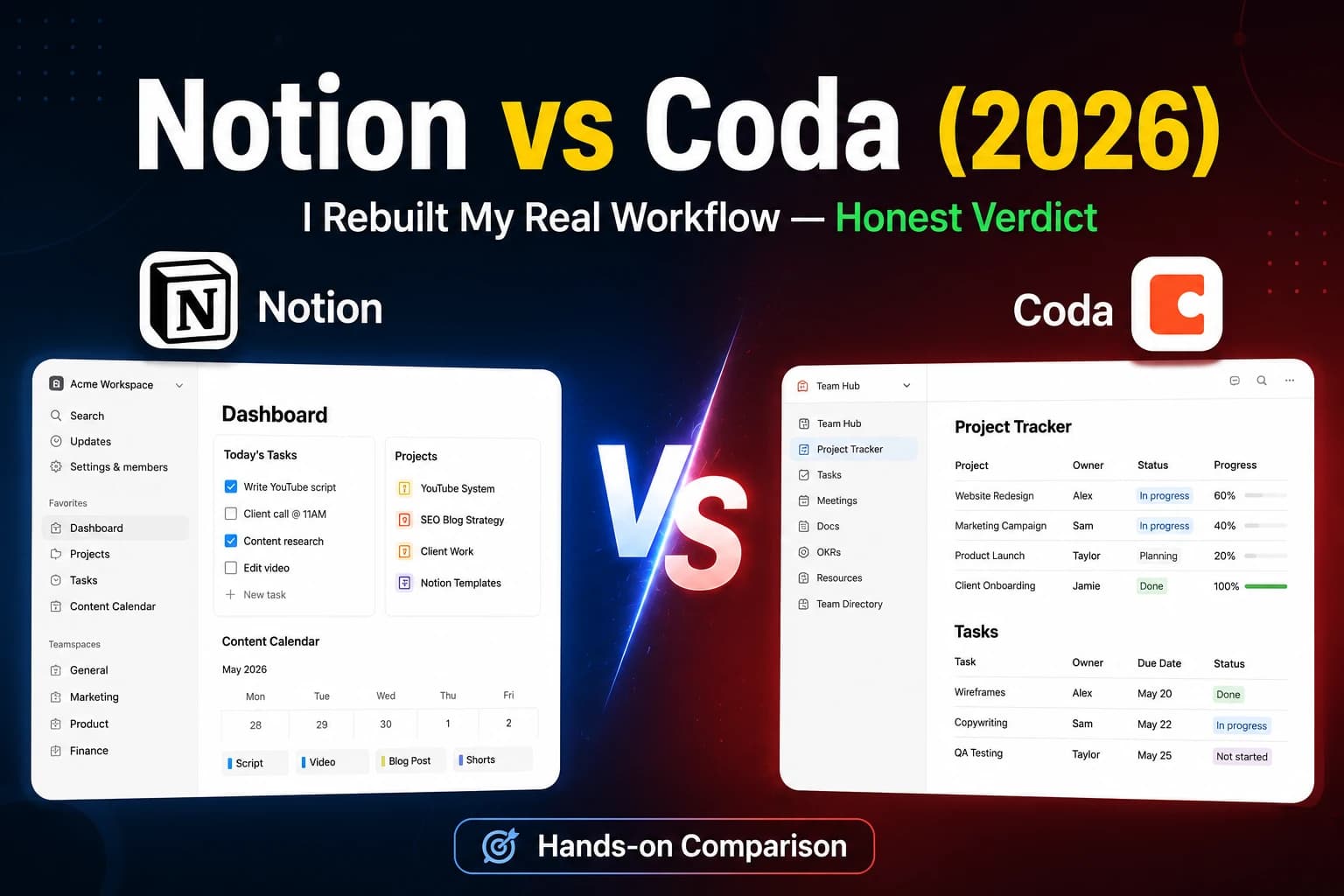
⚖️ Our Verdict
Notion — for most people. Better for writing, planning, and organizing, and pleasant to use daily. But keep it free and bring your own AI (ChatGPT/Claude) instead of paying for the per-member AI add-on. Choose Coda only if your work is genuinely table-and-formula heavy and you'll actually use that depth.
Overall Rating
Notion
Free plan available · Paid plans start when you add a team · AI add-on priced per member (multiplies on teams)
Coda
Free plan available · Paid plans scale with doc size and team
✅ Pros
Notion
Coda
❌ Cons
Notion
Coda
Published: Saturday, July 11, 2026
If you're stuck choosing between Notion and Coda in 2026, here's the short answer: Notion wins for most people who want an all-in-one workspace for writing, planning, and organizing — and it's the one I actually run my work in. Coda wins if your work is genuinely table-and-formula heavy and you'll use that depth. The rest of this is the honest detail behind that verdict, including where Notion frustrated me enough to change how I recommend it.
The honest short version (who should pick what)
- Pick Notion if: you want a clean workspace for content, notes, docs, and light databases — and you'd rather start fast than configure for hours.
- Pick Coda if: you think in spreadsheets, need real cross-table formulas, and will actually use the automations.
- Skip both if: you just need quick notes — a simpler app will make you happier and cost nothing.
And one recommendation I'll defend below: don't rush to pay. For most people, Notion Free plus a separate AI tool beats paying for Notion's AI add-on.
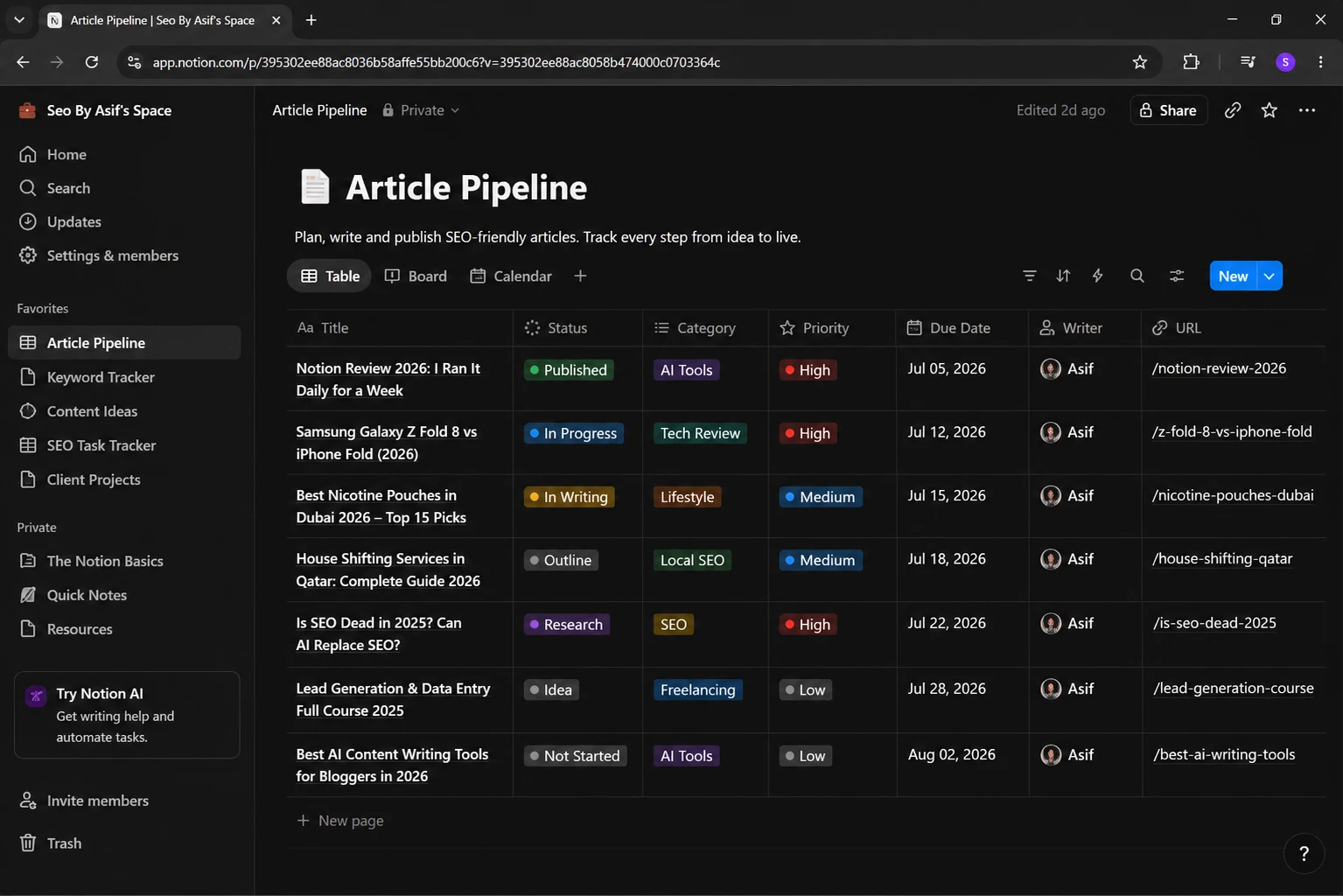
What I actually use Notion for
I didn't test Notion for a review — I use it for real work, which is a better test. The things it genuinely does well for me:
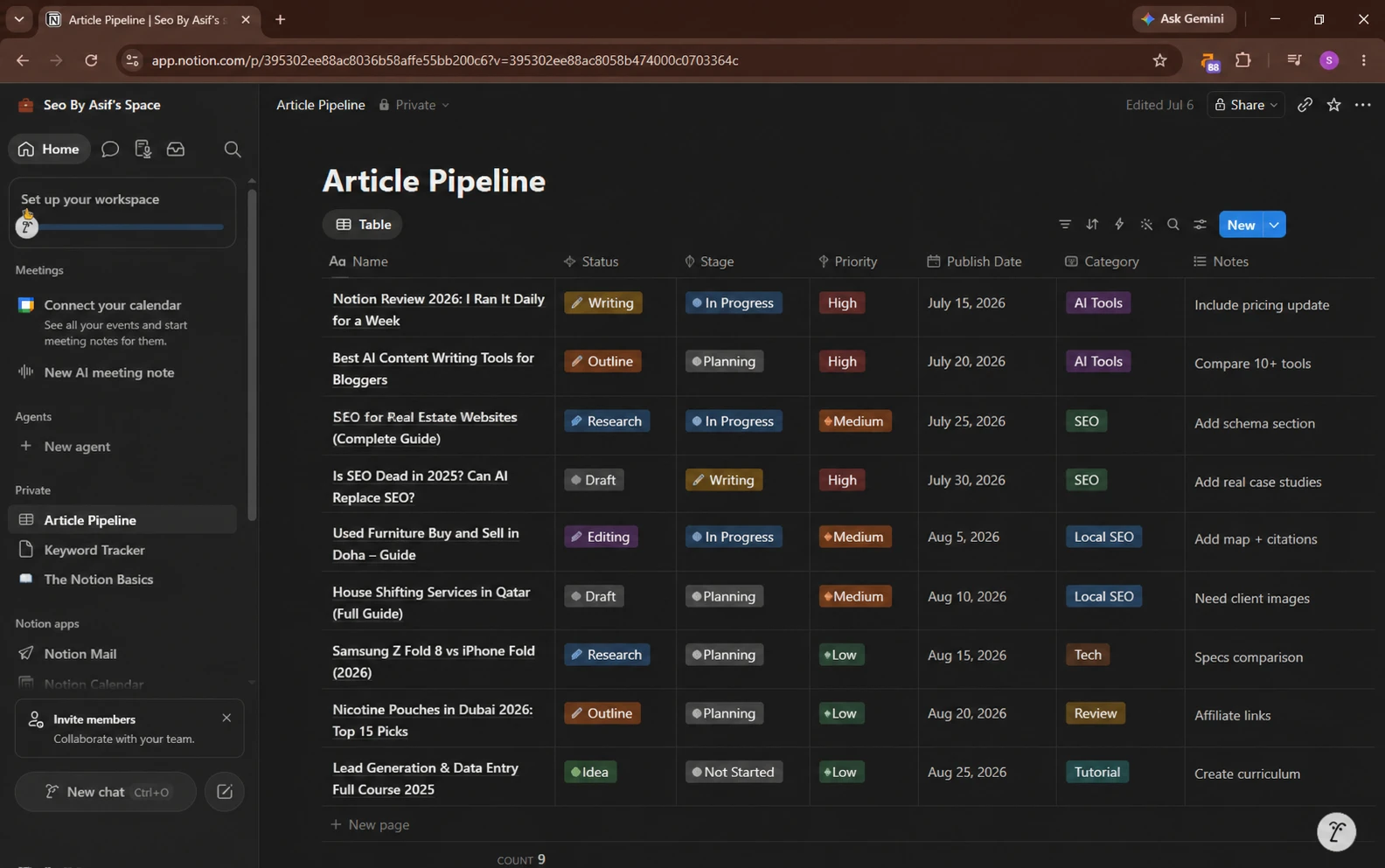
- SEO content planning — mapping keywords, clusters, and publish dates in one place
- Blog outlines — drafting structure before writing
- Meeting notes — quick capture that's easy to find later
- Client proposal drafts — writing and reworking before sending
- Research summaries — pulling scattered findings into one page
- Knowledge management — keeping everything I learn in one connected system
For all of this — writing-heavy, organize-heavy work — Notion is genuinely good. Everything lives in one calm, connected place, and I don't have to switch tools to move from notes to planning to drafting.
What actually disappointed me about Notion
This is the part most "best tool" posts skip, so here's the honest list from real use:
- It gets slow when the workspace grows. A large workspace with lots of pages and databases starts lagging. On a big work setup, the slowdown is noticeable and annoying.
- Offline support is weak. If your connection drops, Notion is not the tool you want to be relying on.
- Setup takes time. Getting a workspace configured the way you want isn't instant — expect to invest real time before it fits.
- Its AI doesn't always understand database queries. When you ask Notion AI to pull or filter data, it doesn't reliably interpret what you meant.
- It's tough for complete beginners. If you've never used a database-style tool, Notion has a real learning curve at the start.
- It's not a serious project manager. For advanced project management, Notion isn't as powerful as dedicated tools like Jira or Asana. Don't buy it expecting that.
None of these make Notion bad — I still use it daily. But you should walk in knowing them.
The pricing trap nobody warns you about
Here's the thing that actually changed how I recommend Notion: the AI add-on is priced per member. On a team, that cost multiplies fast.
- A 5-person team pays roughly 5× the AI add-on cost.
- A 10-person team pays roughly 10×.
And here's my honest opinion after using it: Notion's built-in AI doesn't give better output than ChatGPT or Claude for the actual writing and thinking work. So you're often paying a per-seat premium for AI that a standalone tool does better.
That leads to a recommendation most roundups won't give you: for most people, don't pay for Notion's AI. Use Notion Free and pair it with a separate AI tool.
My actual recommendation stack
| Rank | Setup | Best for |
|---|---|---|
| Best value | ChatGPT Plus + Notion Free | Most people — pay once for great AI, keep Notion free |
| Best free | ChatGPT Free + Notion Free | Anyone starting out or on a budget |
| Team | ClickUp AI | Teams and agencies needing real PM + AI |
| Power users | Coda AI | Advanced, table-and-formula-heavy work |
The takeaway: keep Notion free, bring your own AI. You'll get better output and skip the per-seat AI tax.
Visit Our Notion vs ClickUp full Comparison
Where Coda fits (honest evaluation — I haven't run my daily work in it)
I'll be straight with you: I run my real workflow in Notion, not Coda, so I won't pretend to six weeks of Coda use I don't have. But based on testing its free version and how it's built, here's where Coda genuinely fits.
Coda treats your doc like a living app. Tables aren't just lists — they run real formulas across each other and drive buttons that take actions. If you've ever wished your spreadsheet could do something when a value changed, that's Coda's whole idea. Its automations are the real standout: rules and buttons that handle repetitive work Notion would make you do by hand.
For people who think in spreadsheets and logic — operations, pipelines, data-heavy work — Coda's depth is the reason to choose it over Notion. It asks more of you upfront, but power users get more back.
Notion vs Coda: the quick comparison
| Notion | Coda | |
|---|---|---|
| Best for | Docs, notes, content, wikis | Table-heavy, formula-driven work |
| Learning curve | Real, but manageable | Steeper |
| Databases | Good, visual | Excellent, spreadsheet-grade |
| Formulas | Simpler | Deep, cross-table |
| Automations | Basic | Powerful (buttons, rules) |
| Offline | Weak | Also limited |
| Speed at scale | Slows with big workspaces | Heavier by nature |
| Free plan | Genuinely usable | Genuinely usable |
| My real use | Daily, for content + planning | Evaluated, not daily |
Prices and limits change — check each site before you commit.
The hidden difference nobody mentions
The two tools reward opposite habits. Notion rewards people who think in pages and documents. Coda rewards people who think in tables and logic. Choosing "wrong" for your brain is why people bounce off one and love the other. It's not about which is better — it's about which matches how you already work.
The contrarian take
Most "Notion vs Coda" posts end with "it depends." That's a cop-out, so here's a real opinion: most people overrate how much they'll use advanced features — and overpay for AI they don't need. They buy Coda for power they'll never fully use, or pay for Notion AI that ChatGPT does better. Unless you know you need deep tables and automations, start with Notion Free, bring your own AI, and only pay when you hit a real wall.
Who should skip this decision entirely
If you're a student who just needs notes, or a solo person who wants a to-do list, both tools over-serve you — you'll spend more time building your workspace than doing your work. A simpler notes app will make you more productive and cost nothing.
Frequently asked questions
The bottom line
After running my real content and planning work in Notion — and hitting its actual limits — my verdict is simple: Notion for most people, especially for writing and organizing, but keep it free and bring your own AI. Coda for the table-and-formula crowd who'll use the depth. Don't pick on feature count, and don't pay for AI you don't need.
If you publish public pages from Notion or Coda, it's worth checking whether AI search engines will actually cite them. Run your page through our free GEO Checker — about a minute, no signup — to see if your content is AI-answer-ready.

Written by
Asif IqbalSenior Writer
Asif Iqbal is the Founder & CEO of Tech Vault AI, leading the team's hands-on testing of AI tools and SaaS products & Tech reviews. He's focused on cutting through marketing hype to help readers find what actually works.
📬 Get the Latest Reviews in Your Inbox
Once a week — AI tools, SaaS & gadget reviews delivered straight to your email.