I Used Only the Cover Screen for a Week — Z Flip 8 vs Razr 70 Ultra

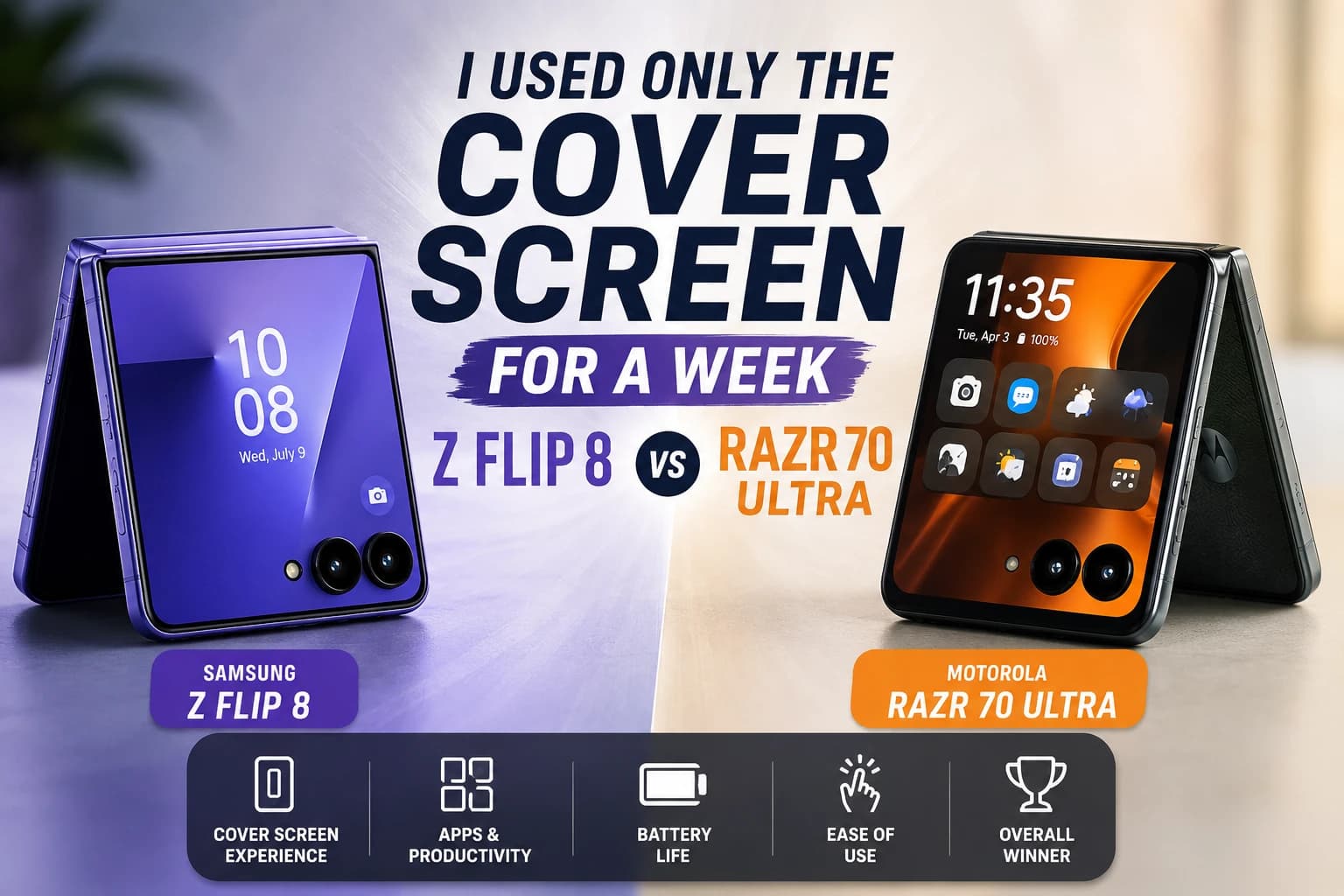
Short answer: if you want to handle 80% of your day without ever unfolding the phone, the Razr 70 Ultra's cover screen is the more natural experience. The Z Flip 8 has closed some of the gap, but it still asks you to work around its limits more than you'd expect.
I spent a full week on each phone with one rule: keep the cover screen as the default, and only unfold when genuinely necessary. Messaging, maps, quick replies, notifications, short video clips — all of it stayed on the outer display as much as possible.
Why I Set Up This Test
Every spec sheet lists cover screen size and refresh rate, but nobody tells you what it actually feels like to live on that small screen for a week straight. After going through the complete Z Fold 8 and Z Flip 8 guide and noticing how much Samsung has pushed the FlexWindow as a headline feature, I wanted to find out if it actually changes daily behavior, or if it's still more of a glance-and-unfold experience underneath the marketing.
App Support: Where the Real Gap Is
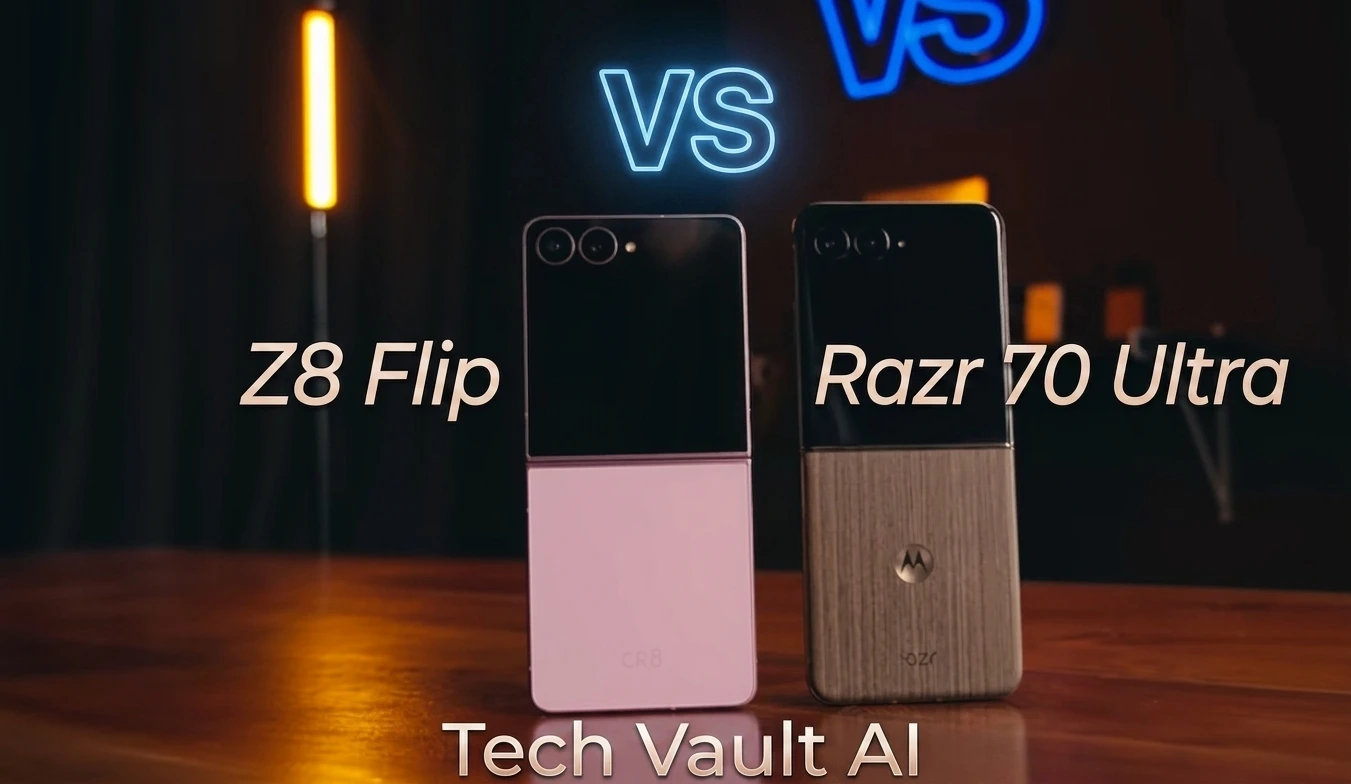
This is the single biggest difference between the two phones, and it's not really about screen size. On the Razr 70 Ultra, any third-party app runs directly on the cover screen without restriction — no workaround, no extra setup. Typing, full-screen navigation, and the app drawer layout all feel completely natural, the way a small phone should feel.
The Z Flip 8 has genuinely improved here — Samsung now supports 16 apps out of the box on the cover screen, which is real progress over previous generations. But for anything outside that list, including some music players and other everyday apps, you still need to dig into Samsung Labs or Good Lock to make it work. That extra step is exactly the kind of friction that quietly pushes you back into unfolding the phone out of habit, which defeats the point of having a capable cover screen in the first place.
Where the Z Flip 8 Disappointed Me
I'll be honest — of the two, the Z Flip 8's cover screen software is where I ended up genuinely frustrated. Samsung says you get 16 apps supported out of the box, and that part is real progress. But the moment you want anything outside that list — a specific music player, a work app, whatever you actually use daily — you're not just flipping a toggle. You need to install Good Lock from the Samsung app store (not the Play Store, which already trips people up), then dig into Good Lock to find and install a module called MultiStar, and only then can you go add the app you wanted in the first place. It's a three-step scavenger hunt to do something the Razr just lets you do immediately.
I'm not the only one who ran into this. Android Authority's own hands-on with the Z Flip 8 put it bluntly: after years of Samsung trailing Motorola on cover screen software, "you still need to install Good Lock and MultiStar to use any app on the cover screen in the first place" — and called it "extremely frustrating" that Samsung still forces you through that hoop in 2026. Dig through Samsung's own community forums and you'll find the same complaint repeated by actual Z Flip 8 owners days after launch — people asking why work profile apps still don't show up on the cover screen even after installing Good Lock, or why a basic setting like disabling "Now Brief" isn't just a straightforward toggle.
None of this is a dealbreaker on its own. But it's exactly the kind of small daily friction that adds up over a full week, and it's the reason I kept opening the phone out of habit far more than I wanted to.
Display Size and Visibility
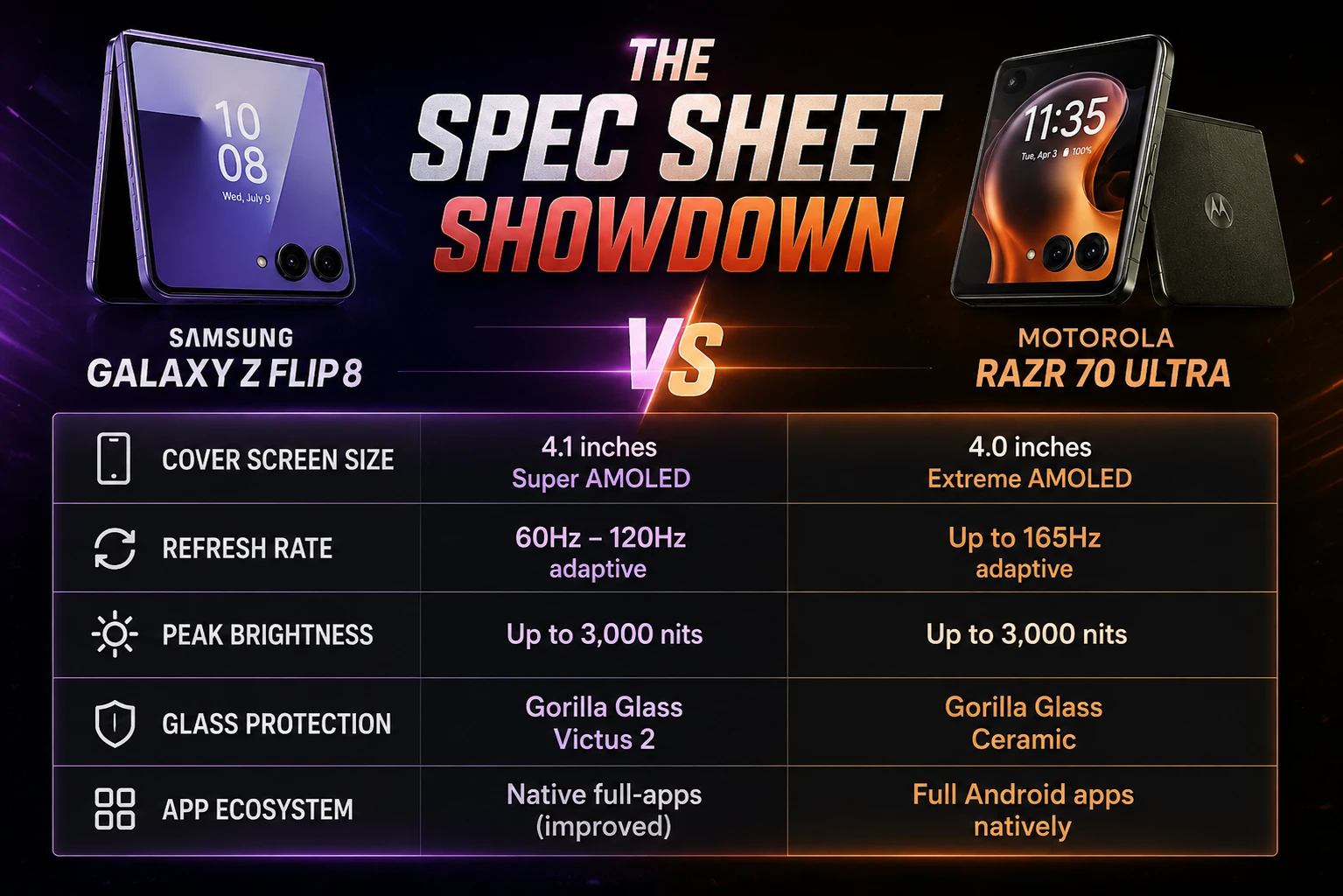
The Razr's 4.0-inch cover screen wraps around the camera lenses and uses the full width of the phone's face, which makes reading notifications, watching Reels or Shorts, and using Google Maps feel noticeably bigger and more immersive than the raw inch measurement suggests. The Z Flip 8's 4.1-inch panel is technically larger and hits an impressively bright 3,000 nits, but Samsung's widget-based interface makes it feel more like a smaller secondary phone screen than a fully independent display, which is a strange trade-off given the actual size advantage on paper.
Ergonomics: How It Feels to Actually Hold and Type
This part surprised me more than the software differences. The Razr's curved edges and Alcantara or leather-textured back give it noticeably better grip while using the cover screen — typing one-handed feels genuinely comfortable over a longer session. The Z Flip 8 is lighter (180g) and thinner (6.1mm) than before, which sounds like a clear win on paper, but its boxy, flat metal design doesn't feel as smooth for extended one-handed typing on the cover screen. It's a case where the spec sheet numbers don't tell you the full story — you have to actually hold both phones for a week to notice it.
Cover Screen Comparison at a Glance
| Feature | Motorola Razr 70 Ultra | Samsung Galaxy Z Flip 8 |
|---|---|---|
| Size & refresh rate | 4.0", 165Hz | 4.1", 120Hz |
| App support | Any app runs directly | Limited native list + Labs/Good Lock for the rest |
| Navigation & keyboard | Full-screen, very easy | Somewhat compact, widget-style |
| One-handed comfort | Best (curved edges, textured back) | Good, but flat and slightly slippery |
| Brightness | Strong outdoor visibility | Very bright — 3,000 nits |
What I Tried to Fix the Z Flip 8 Experience
Before writing this off, I actually went through the whole Good Lock and MultiStar setup myself — downloaded Good Lock from the Samsung store (not the Play Store, which is its own small annoyance if you don't already know that), found MultiStar buried inside it, and added a few more of my daily apps to the cover screen launcher. It worked, technically. But the setup took real effort, and I can see exactly why most people won't bother — Samsung's own community forums are full of Z Flip 8 owners running into the same wall days after buying the phone, from work apps refusing to show up on the cover screen to basic settings like turning off "Now Brief" requiring a support thread to figure out. That's the real cost here: it's not that cover screen apps don't exist on the Z Flip 8, it's that Samsung buries the path to them behind enough friction that most owners will just give up and default back to unfolding the phone, which is the exact opposite of what a good cover screen is supposed to do. If you're deciding purely on battery grounds rather than software feel, our battery test between these same two phones covers that angle in full, including how cover-screen-first usage directly affects how long each phone lasts in a day.
Who Should Buy the Razr 70 Ultra
Cover-screen-first users who want to handle the bulk of their day — messaging, maps, quick replies — without ever unfolding the phone.
Anyone who prioritizes grip and one-handed comfort during extended cover screen use, especially for typing.
Who Should Buy the Z Flip 8
Samsung ecosystem users who already rely on Galaxy AI, Good Lock, and One UI, and don't mind a short setup process to unlock more cover screen functionality over time.
Buyers who value a lighter, thinner design over cover screen software polish, and are comfortable unfolding the phone more often as a result.
Who Should Skip Both
Anyone who mainly wants a large, fully-featured display for productivity or content consumption — a book-style foldable is the better fit here. Our Z Fold 8 vs Z Flip 8 comparison breaks down exactly when the larger unfolded screen matters more than a great cover screen experience.
Frequently Asked Questions
Which flip phone has the better cover screen, Z Flip 8 or Razr 70 Ultra?
Can you run any app on the Z Flip 8's cover screen?
Is the Razr 70 Ultra's cover screen more comfortable to hold and type on?
Is a bigger cover screen always better on a flip phone?
For the complete spec-by-spec breakdown beyond the cover screen, our Z Flip 8 vs Razr 70 Ultra comparison covers camera, performance, and overall value, and the best foldable phones to buy in 2026 roundup places both of these against the rest of this year's foldable lineup.
Before you decide based on marketing claims alone, run any phone listing through our free GEO Checker — built for exactly this kind of research. Tech Vault AI keeps testing new releases the same way — daily, in real conditions, not just off a spec sheet.

Written by
Asif IqbalSenior Writer
Asif Iqbal is the Founder & CEO of Tech Vault AI, leading the team's hands-on testing of AI tools and SaaS products & Tech reviews. He's focused on cutting through marketing hype to help readers find what actually works.
📬 Get the Latest Reviews in Your Inbox
Once a week — AI tools, SaaS & gadget reviews delivered straight to your email.